
Crane down
Descend toward the audience as the depth relationship between crowd and distant stage changes.
Camera movements
The camera changes height. Watch the changing relationship between the subject, ground and background; some examples also change camera aim.
Camera view
Preparing…
Preparing…
How this movement works
The camera changes height. Watch the changing relationship between the subject, ground and background; some examples also change camera aim.
What changes?
- Camera position
- Camera orientation
What stays the same?
- Focal length
- The same scene assets
Practice tip
Check the height readout as well as the top view: a vertical move may occupy almost the same point from above.
When to use this movement
Reveal the scale of a setting.
Move between details at different heights.
Connect a subject with the surrounding crowd or space.
Crane down vs. Static shot
Watch both examples and compare the camera behavior. These demos use different sets, so compare motion rather than scenery.
Crane down
| Aspect | Crane down | Static shot |
|---|---|---|
| Camera position | Changes | Fixed |
| Camera orientation | Changes | Fixed |
| Focal length | Fixed | Fixed |
Related camera moves
Explore another real example, then copy it into your own scene.
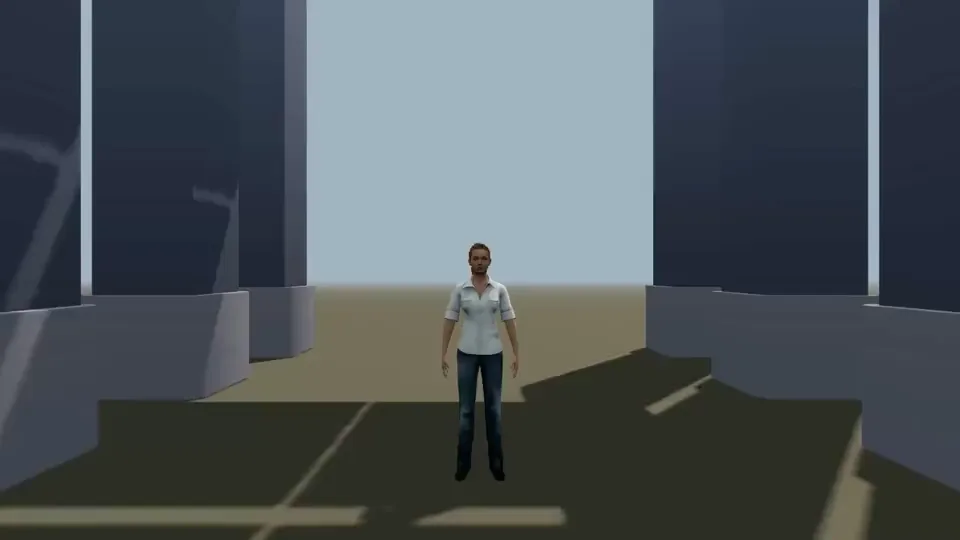
Crane up →
The view rises from a person toward the roof; check the combination of translation and rotation.
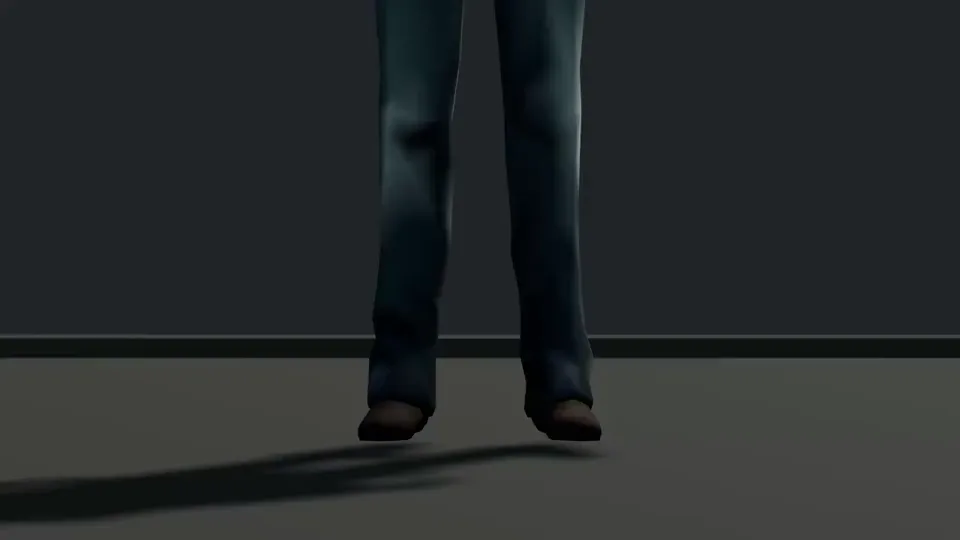
Pedestal up →
Lift the camera from boxing boots to face height, distinct from tilting at a fixed position.
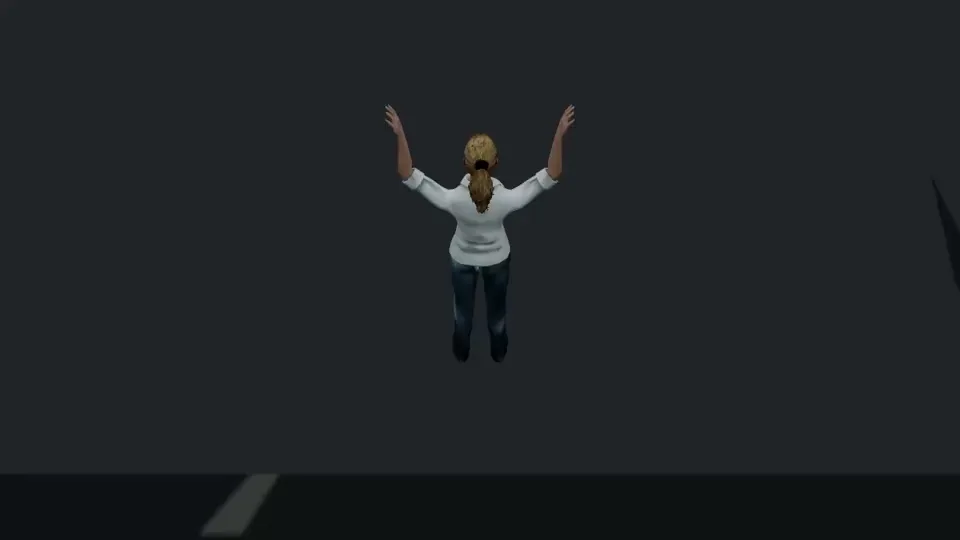
Pedestal down →
The climber and rock face change their relationship during descent; check height, tilt and body movement.
Common mistakes
- Confusing raising the camera with tilting it from a fixed position.
- Adding movement without a clear starting composition or a useful final frame.
Make it your own
Play the shot to study its movement, then choose Copy to create a new scene. In the editor, adjust the subjects, set, camera position, orientation and focal length.