
Camera shots & angles in 3D
Explore different types of camera shots on the same 3D subject. Adjust shot size, camera angle, view direction and roll to compare your composition.
Popular camera shots
Start with a common camera shot, then adjust the setup below.
Preparing the current view…
Advanced options
These options have not been applied.
Preparing the current view…
Composition basics
Learn more →- Shot size
- How much of the subject you see.
- Camera angle
- Where you see the subject from.
- View direction
- Which side of the subject faces camera.
- Roll
- How much the horizon tilts.
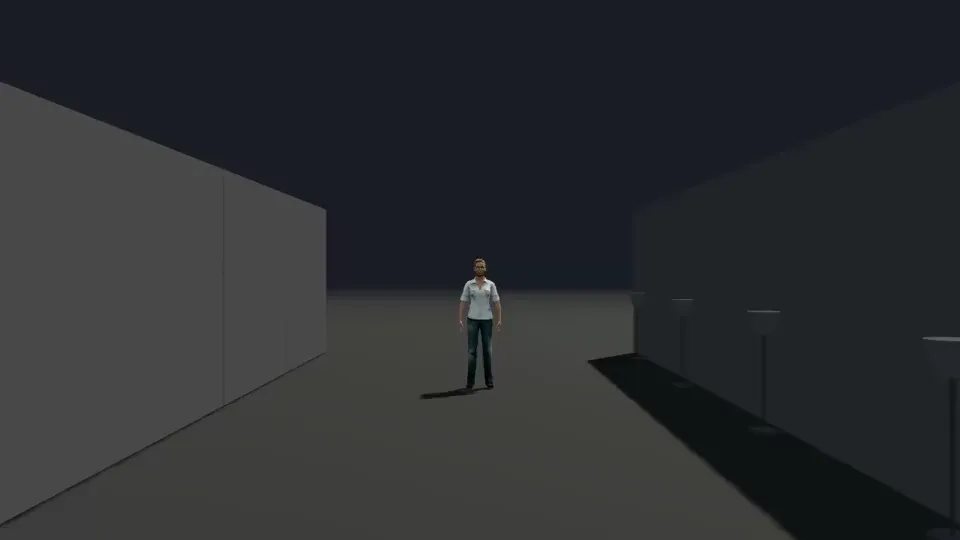
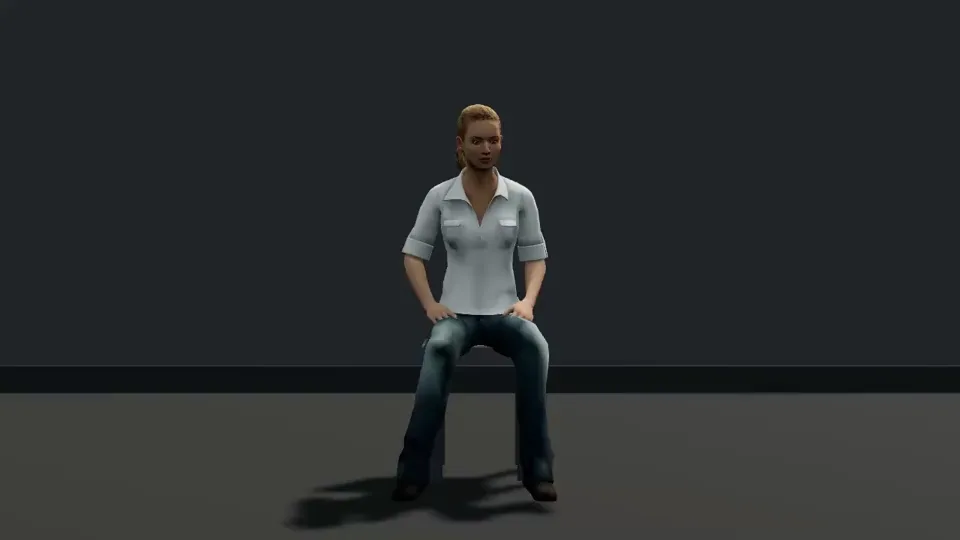
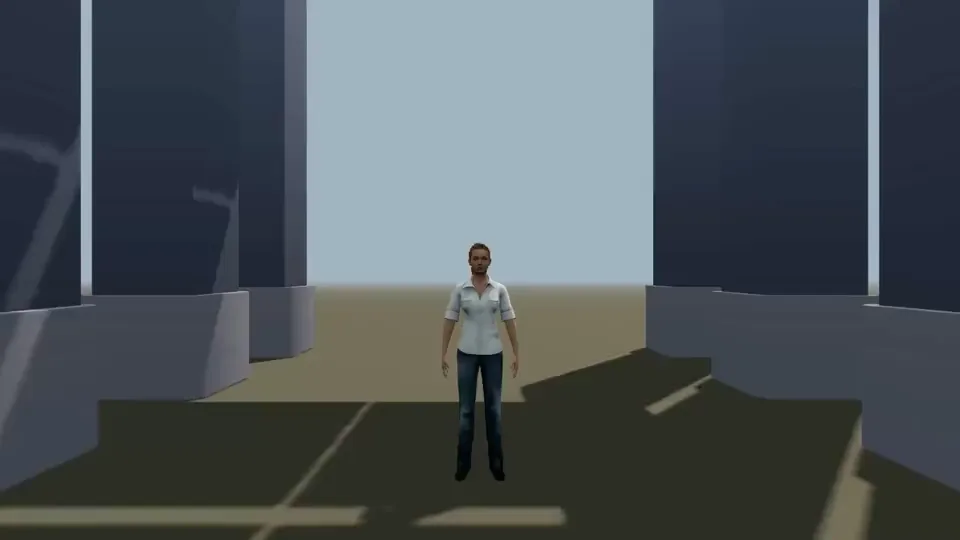
Camera shot examples in motion
Camera shots & angles FAQ
What are the main types of camera shots?
Common shot sizes include wide shot, full shot, cowboy shot, medium shot, medium close-up, close-up and extreme close-up. They describe how much of the subject appears in frame. Start with a popular shot above, then combine it with an angle and view direction to compare the result.
Shot size vs camera angle: what is the difference?
Shot size controls how much of the subject appears in frame. Common sizes include wide shot, full shot, medium shot, close-up and extreme close-up. Camera angle controls the camera’s vertical relationship to the subject, such as eye level, low angle, high angle, ground level and overhead.
Can shot size and angle be combined?
Yes. Try a low-angle close-up or an eye-level wide shot, then change the view direction or roll. Each control preserves the other choices. Some combinations need a different focal length; the tool reports when a setup is approximate or cannot be applied.
Camera angle vs camera movement: what changes?
Camera angle describes a viewpoint at one moment. Camera movement changes position or orientation over time, such as a push in, orbit or crane up. This explorer creates a static composition. Open a movement example to see framing change over time, or use your setup in Studio. Explore camera movement examples →
What is a Dutch angle?
A Dutch angle tilts the horizon by rolling the camera. It differs from a low or high angle, which describes looking up or down at the subject. Use Dutch left, Dutch right or the Roll slider above to compare a tilted frame with a level one.
What is camera composition?
Camera composition is how you arrange a subject within the frame. Shot size controls how much you see; camera angle, view direction and roll shape your perspective. Try the four controls above to compare the result on the same subject.
Your next shot starts here.
Open Studio →