
Orbit clockwise
Circle the figures in a hall, matching their relationship to the moving background.
Camera movements
The camera moves around the subject. The changing viewpoint reveals different sides of the subject and shifts the background behind it.
Camera view
Preparing…
Preparing…
How this movement works
The camera moves around the subject. The changing viewpoint reveals different sides of the subject and shifts the background behind it.
What changes?
- Camera position
- Camera orientation
What stays the same?
- Focal length
- The same scene assets
Practice tip
Place a recognizable object behind the subject so the change in viewpoint is easy to see.
When to use this movement
Reveal another side of a character or object.
Show the spatial relationship between two subjects.
Move from one composition to a different background.
Orbit clockwise vs. Pan right
Watch both examples and compare the camera behavior. These demos use different sets, so compare motion rather than scenery.
Orbit clockwise
| Aspect | Orbit clockwise | Pan right |
|---|---|---|
| Camera position | Changes | Fixed |
| Camera orientation | Changes | Changes |
| Focal length | Fixed | Fixed |
Related camera moves
Explore another real example, then copy it into your own scene.
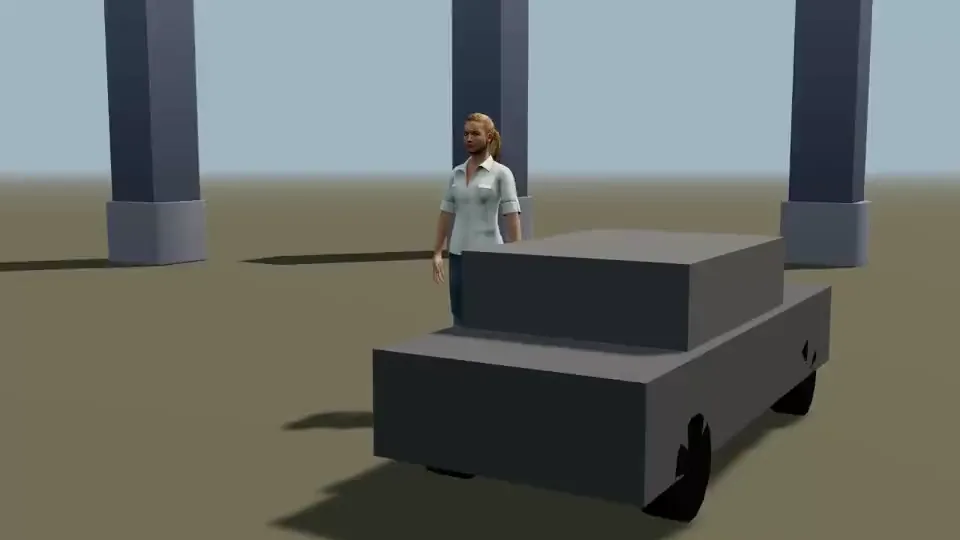
Orbit counterclockwise →
The camera travels around a car and person while tightening the frame; a fixed-radius orbit is insufficient.
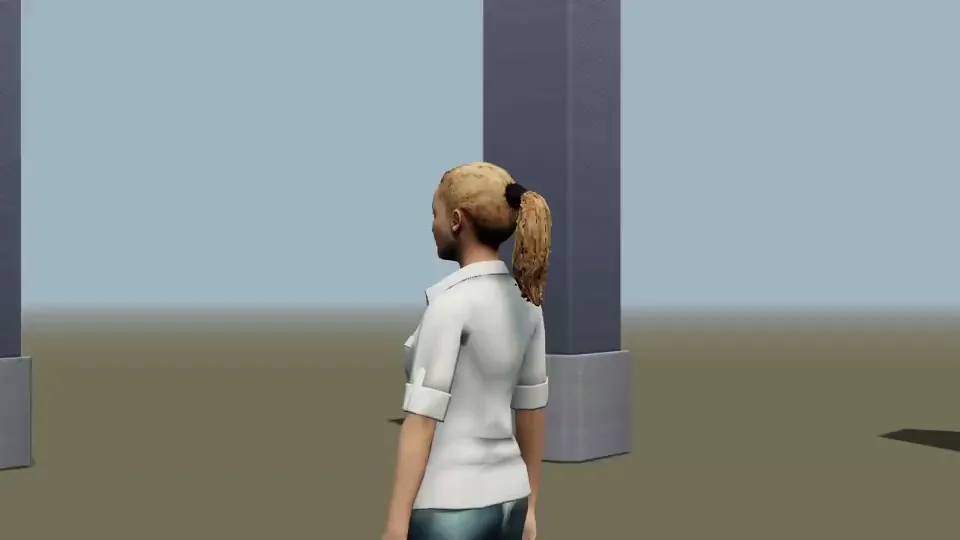
Arc right →
The person also turns their head; separate the camera arc from the performance.
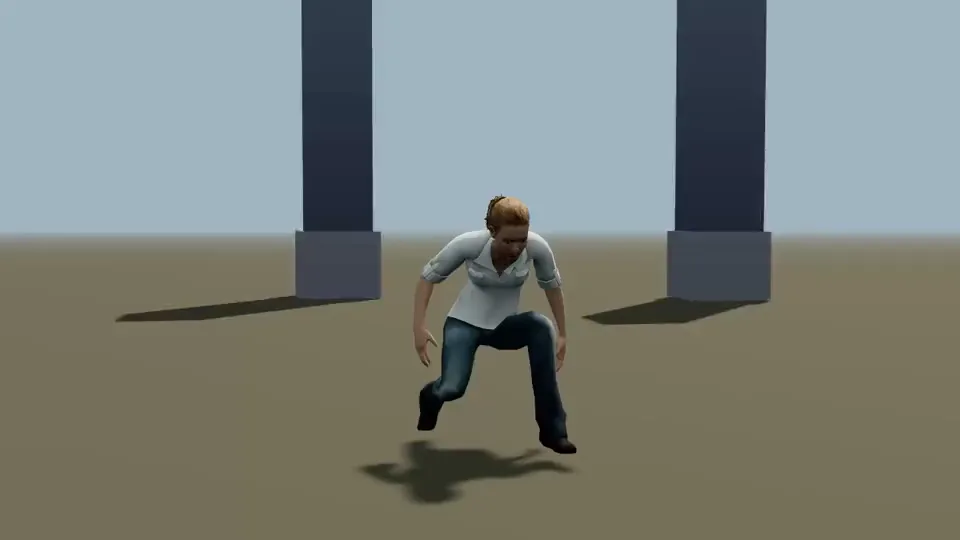
Arc left →
Move around a dancer, matching arc extent and subject position within the frame.
Common mistakes
- Assuming every curved move has a constant radius or keeps the same framing.
- Adding movement without a clear starting composition or a useful final frame.
Make it your own
Play the shot to study its movement, then choose Copy to create a new scene. In the editor, adjust the subjects, set, camera position, orientation and focal length.