
Pan right
The view turns from a living room to a doorway; compare the horizontal sweep and final hold.
Camera movements
The camera turns from its position. The frame scans another part of the scene; a turn alone does not create the viewpoint shift of a dolly or orbit.
Camera view
Preparing…
Preparing…
How this movement works
The camera turns from its position. The frame scans another part of the scene; a turn alone does not create the viewpoint shift of a dolly or orbit.
What changes?
- Camera orientation
What stays the same?
- Camera position
- Focal length
- The same scene assets
Practice tip
Choose a clear subject or detail at both ends of the turn.
When to use this movement
Reveal something outside the starting frame.
Connect two subjects across a location.
Explore the height of a person or building.
Pan right vs. Orbit clockwise
Watch both examples and compare the camera behavior. These demos use different sets, so compare motion rather than scenery.
Pan right
| Aspect | Pan right | Orbit clockwise |
|---|---|---|
| Camera position | Fixed | Changes |
| Camera orientation | Changes | Changes |
| Focal length | Fixed | Fixed |
Related camera moves
Explore another real example, then copy it into your own scene.
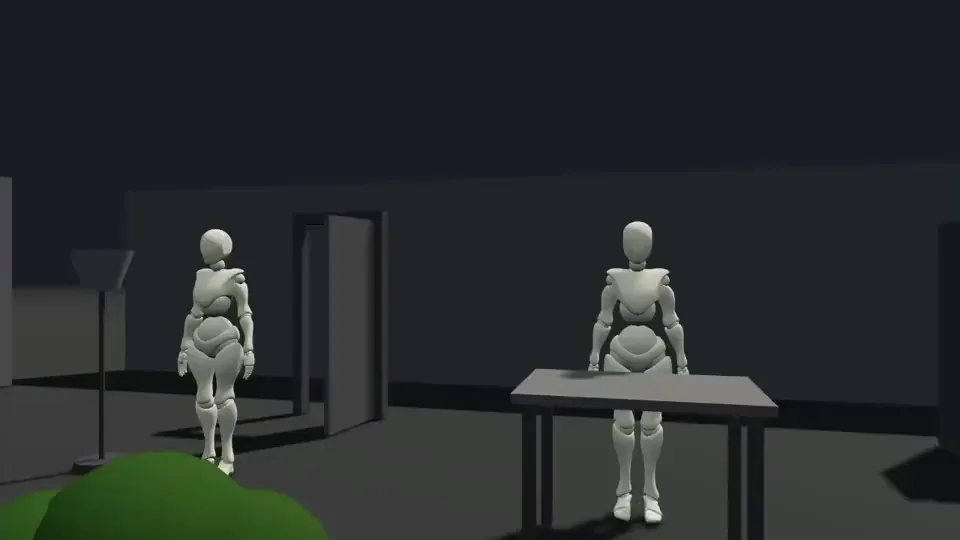
Pan left →
The night-market view returns to the stall after crossing the crowd; a single left pan does not reproduce it.
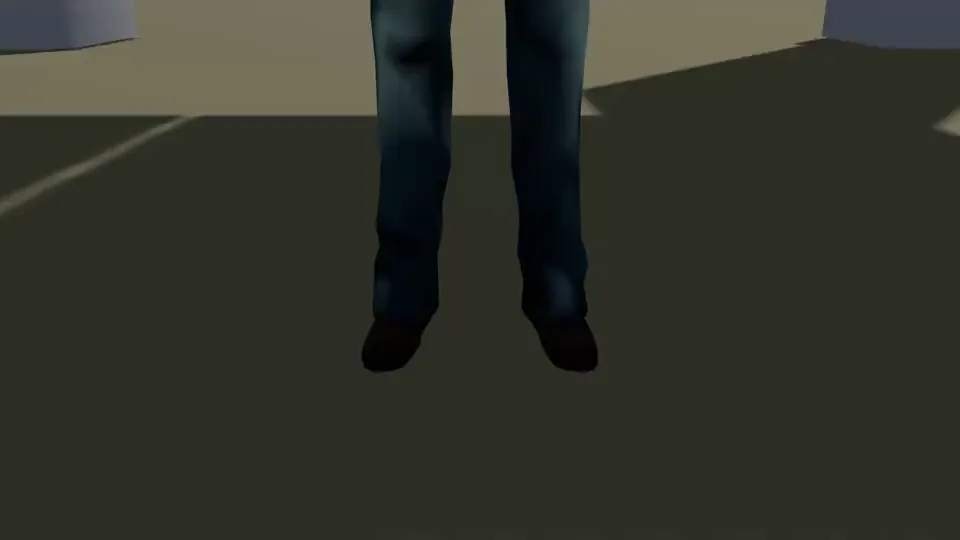
Tilt up →
The frame rises from shoes to face and roof; check the pivot and subject scale.
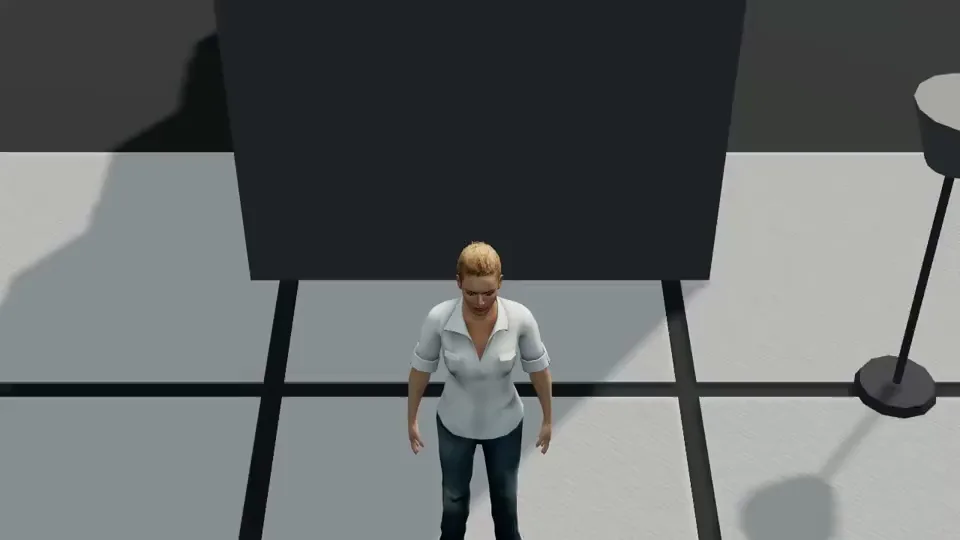
Tilt down →
The staircase and person change their framing relationship; check the actual tilt and depth.
Common mistakes
- Using a turn when the intended effect requires moving the viewpoint through space.
- Adding movement without a clear starting composition or a useful final frame.
Make it your own
Play the shot to study its movement, then choose Copy to create a new scene. In the editor, adjust the subjects, set, camera position, orientation and focal length.