
Truck left
Track along vines, matching parallax between the near person and distant rows.
Camera movements
The camera moves laterally through the scene. Nearby objects shift against distant objects, making parallax and changes in visibility easier to see.
Camera view
Preparing…
Preparing…
How this movement works
The camera moves laterally through the scene. Nearby objects shift against distant objects, making parallax and changes in visibility easier to see.
What changes?
- Camera position
What stays the same?
- Camera orientation
- Focal length
- The same scene assets
Practice tip
Add a small foreground object and compare how far it moves relative to the background.
When to use this movement
Reveal a subject from behind a foreground object.
Compare subjects arranged across a space.
Create depth with a short lateral move.
Truck left vs. Static shot
Watch both examples and compare the camera behavior. These demos use different sets, so compare motion rather than scenery.
Truck left
| Aspect | Truck left | Static shot |
|---|---|---|
| Camera position | Changes | Fixed |
| Camera orientation | Fixed | Fixed |
| Focal length | Fixed | Fixed |
Related camera moves
Explore another real example, then copy it into your own scene.
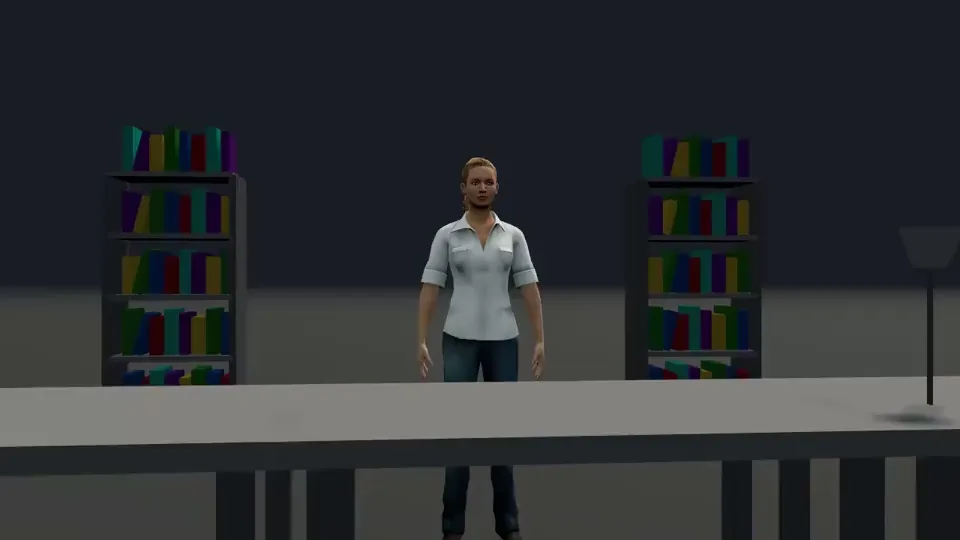
Slider right →
The near tabletop shifts against a more stable distant person; preserve the depth layers.
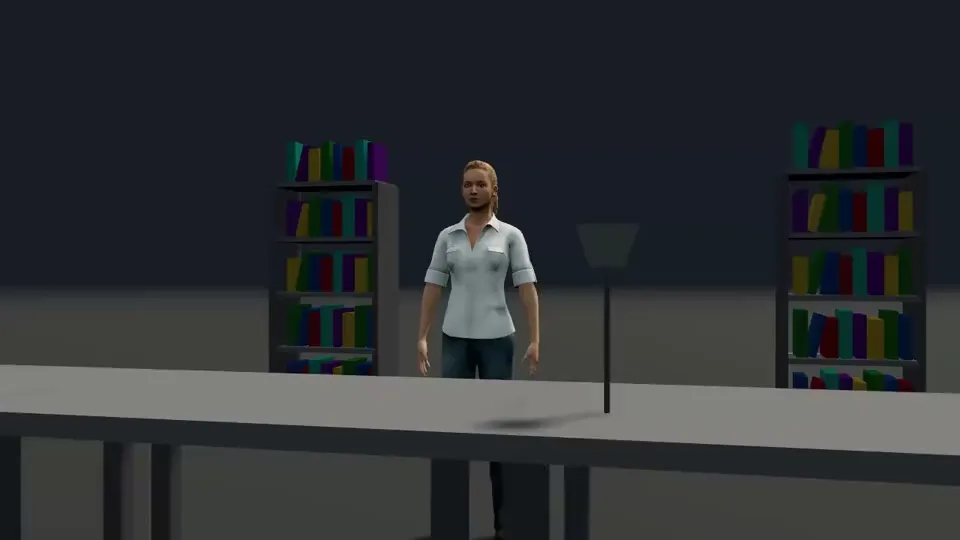
Slider left →
Record bins slide aside to reveal a person; travel and foreground distance jointly determine the reveal.
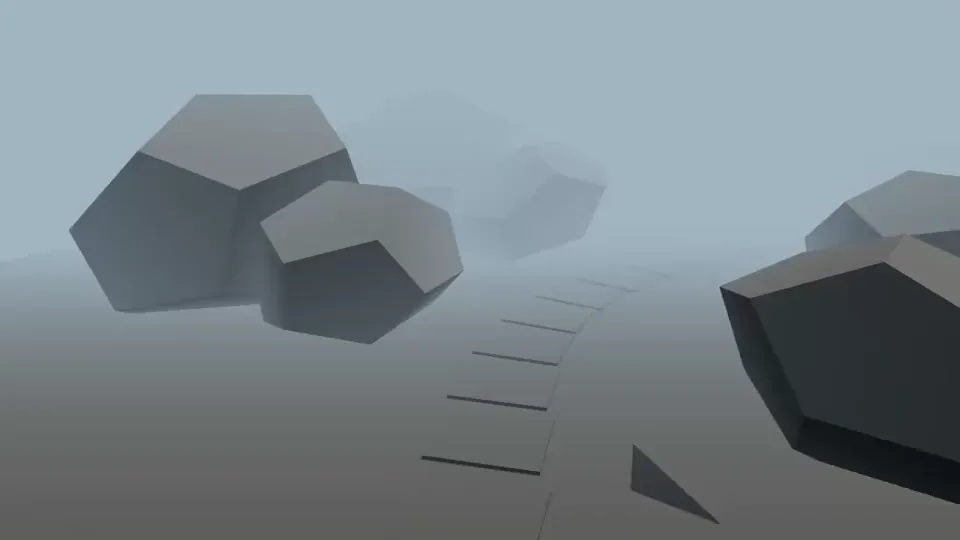
Helicopter shot →
Fly along a mountain road with different motion rates for near slopes and distant peaks.
Common mistakes
- Allowing foreground objects to obscure the subject for the entire shot.
- Adding movement without a clear starting composition or a useful final frame.
Make it your own
Play the shot to study its movement, then choose Copy to create a new scene. In the editor, adjust the subjects, set, camera position, orientation and focal length.