
Shape the Shot editorial teamUpdated
Camera blocking and composition
The character walks to the center and pauses. The cut moves from a wide view to a side orbit and a frontal push-in, then returns to the wide view. An additional close-up is available as an alternative ending. The action is a visual timing reference without dialogue.
Shot-by-shot breakdown
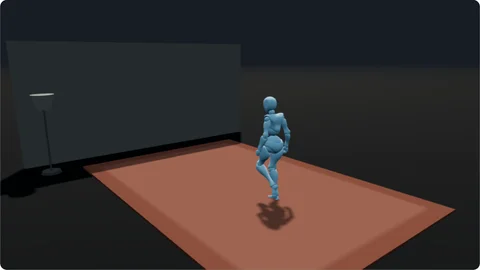
0–2 s 1. Entrance wide
Establish the start and destination.
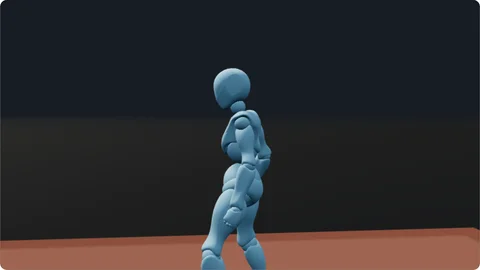
2–5 s 2. Side orbit
Reveal the relationship between subject and background.
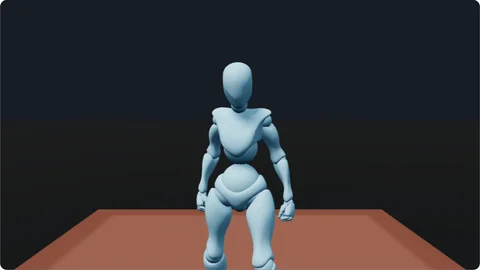
5–8 s 3. Frontal push-in
Move closer after the character settles.
8–10 s 4. Return to the wide
Re-establish the character within the space.
Try it in your own scene
Move the entrance path to the left, reduce the orbit angle, then replace the last wide shot with the close-up. Compare an ending about the space with one about the person.
About this example
Why leave a pause after the entrance? A stable beat lets the audience recognize the subject and gives the edit a usable hold.